

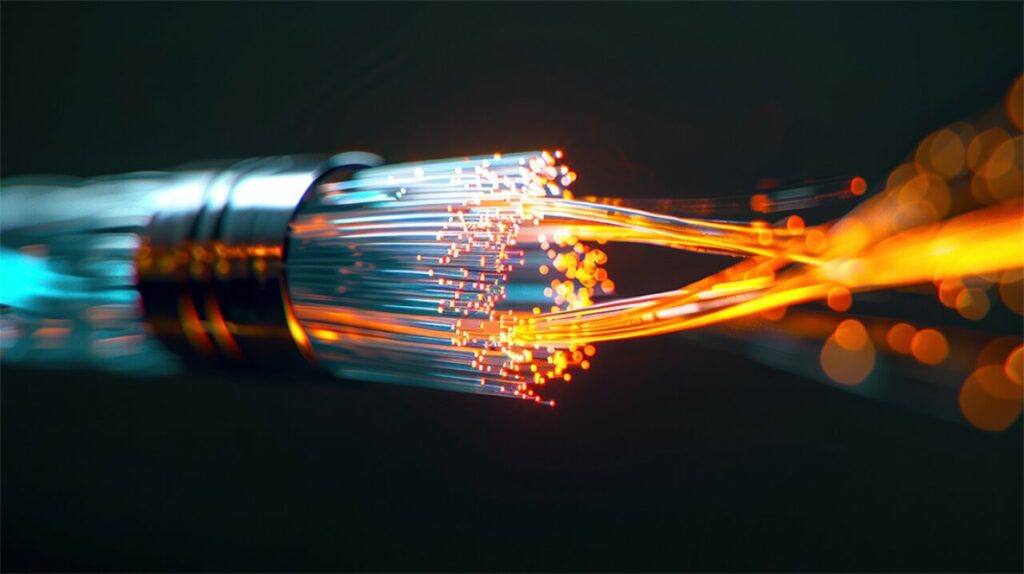
Fiber Troubleshooting & Restoration
Locate faults on dark or live fiber, splice and repair breaks, and re-certify the span against a loss budget so the link is trusted again.
Finding the fault before replacing the span
A fiber that has stopped passing traffic is rarely cut in an obvious place. Far more often it is a contaminated connector, a bend pulled tight behind a patch panel, a splice that failed slowly, or a strand damaged in a pull months earlier that only now dropped below margin.
We test rather than guess. An OTDR trace shows where loss is happening and how much, which turns an open-ended search into a defined repair. Replacing a span before testing it is the most expensive way to fix a dirty connector.
Restoration work
- OTDR testing from both ends to locate and characterize events
- End-face inspection and cleaning before anything is condemned
- Fusion splicing, connector replacement and splice-case reinstatement
- Bidirectional loss testing against the calculated budget
Restoration records
A repair without a trace is an opinion; the traces are what let you close the ticket.
Working a fiber fault
Each step either finds the fault or narrows where it can be, so nothing is opened without reason.
Isolate
Confirm the fault is in the fiber and not the optics or patching.
Locate
Shoot the span from both ends and place the event by distance.
Repair
Splice, reterminate or clean, depending on what the trace showed.
Certify
Retest end to end and hand back traces proving the link is in budget.
Faults we are usually called for
Most fiber calls fall into a few repeating categories, and the first three do not need a new cable.
- Contaminated or damaged connector end faces
- Macrobends from tight dressing behind panels and trays
- Aging splices drifting out of the original loss budget
- Physical breaks from construction, rodents or conduit damage
Link down or drifting out of budget?
Tell us the endpoints, the fiber type and what changed. We will scope a test-first visit rather than quoting a replacement span sight unseen.
Start the conversation